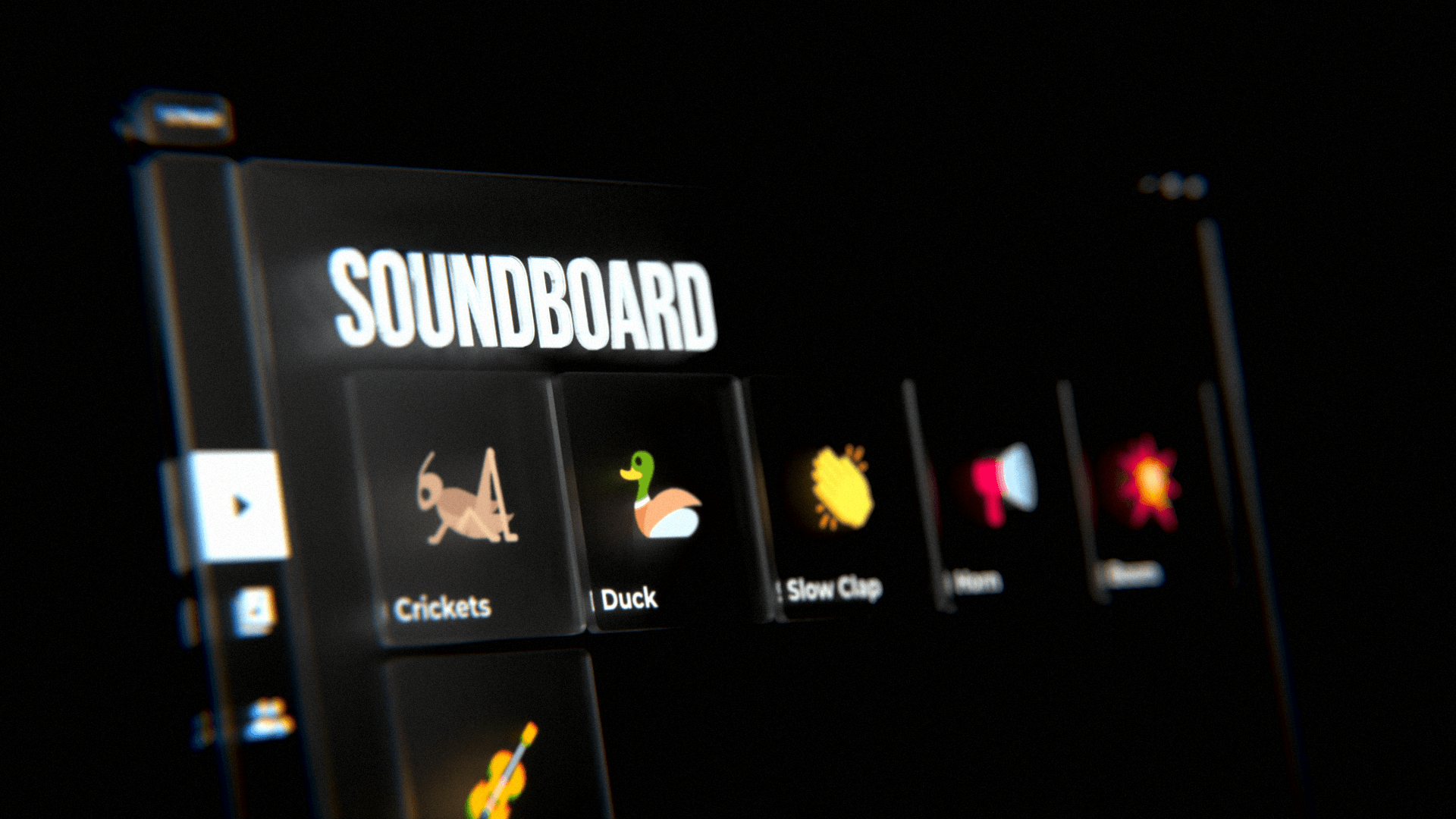
Sonar is a desktop application that lets users upload sound effects and replay them through a Discord bot.
Open source
Sonar is fully open source. The source is available on GitHub. The README.md contains comprehensive instructions for local deployment.
The stack
Sonar is a fun hobby project that I did not want to commit a large amount of time in to. The stack I chose for this project reflects this.
Backend
I chose Supabase to be able to take care of the following requirements;
- Store sound and user data using Database,
- Handle user authentication using Auth,
- Store image and audio assets using Storage,
- Serve a REST API using Edge Functions,
- Keep the UI live using Realtime.
Since Supabase is also open source it can be self-hosted, which came in handy for me personally.
Discord bot
I chose to implement the bot using the Discord.js library. I've had substantial experience with this library so this choice was effortless to make. Supabase has an official Node.js SDK which also means easy integration with the backend.
Desktop application
I initially considered Electron however I ended up choosing Flutter instead. I've had past experience with both but Flutter feels like it has a more polished developer experience than Electron, hence the decision. Supabase also has an official Flutter SDK so integration with the backend was not a concern either.
Challenges
Sonar was made in approximately 100 hours. During that time I had to solve a few challenges to make Sonar function the way I desired.
Effortless onboarding
I wanted users to be able to login and start using Sonar with ease. Additionally for Sonar to function it was required for all users to be associated with a unique Discord account. The natural choice was then to use Discord OAuth2 for user authentication.
Supabase has a built-in integration for "Sign in with Discord" so a part of the implementation was trivial.
Desktop deep linking
When a user attempts to login Sonar opens the Discord login page in the user's configured default browser. Afterwards the user is redirected to a login success page which uses a deep link, in the form com.vimhax.sonar://login-callback?code=<user's access token>, to communicate the access token back to the desktop application.
For this to work Sonar registers a custom URL scheme in the Windows Registry at the start of the application.
Future<void> registerSchemeWindows(String scheme) async {
  String appPath = Platform.resolvedExecutable;

  String protocolRegKey = 'Software\\Classes\\$scheme';
  RegistryValue protocolRegValue = const RegistryValue(
    'URL Protocol',
    RegistryValueType.string,
    '',
  );
  String protocolCmdRegKey = 'shell\\open\\command';
  RegistryValue protocolCmdRegValue = RegistryValue(
    '',
    RegistryValueType.string,
    '"$appPath" "%1"',
  );

  final regKey = Registry.currentUser.createKey(protocolRegKey);
  regKey.createValue(protocolRegValue);
  regKey.createKey(protocolCmdRegKey).createValue(protocolCmdRegValue);
}

if (Platform.isWindows) {
  await registerSchemeWindows("com.vimhax.sonar");
}
This code is from the uni_links_desktop package.
Simultaneous playback
I wanted users to be able to freely play sound effects even when previously triggered sound effects may not be done playing. I was using the @discordjs/voice package to play audio and, at least at the time, it didn't seem to be possible to play multiple audio clips simultaneously.
The solution I went with was to create a custom sound mixer from scratch. It downloads, decodes (using FFmpeg through the prism-media library) and caches all the sound effects ahead of time.
When a sound effect is triggered the mixer retrieves the cached decoded audio data for it and mixes it together with the data of all the other currently playing sounds using the following formula;
This formula was extracted from this answer.
The mixer processes audio in chunks and writes a few chunks ahead of time to ensure the audio stream is never starved.
/** Samples per second per channel. */
const FREQUENCY = 48_000;
/** Number of channels. */
const CHANNELS = 2;
/** Bytes per sample. */
const SAMPLE_SIZE = 2;
/** Samples per second. */
const SAMPLE_RATE = FREQUENCY * CHANNELS;
/** Bytes per chunk. */
const CHUNK_SIZE = 4096;
/** Chunks to write ahead. */
const WRITE_AHEAD = 5;

const chunk = Buffer.alloc(CHUNK_SIZE);
const factor = 1 / Math.sqrt(this._playing.length);
for (const x of this._playing) {
  if (x.start === null) x.start = this._cursor;
  const startByte = (this._cursor - x.start) * CHUNK_SIZE;
  const sub = x.buffer.subarray(startByte, startByte + CHUNK_SIZE);
  for (let idx = 0; idx < sub.byteLength; idx += SAMPLE_SIZE) {
    const sample = sub.readInt16LE(idx);
    const value = chunk.readInt16LE(idx) + Math.floor(sample * factor);
    chunk.writeInt16LE(Math.max(Math.min(value, 32767), -32768), idx);
  }
}

const res = nonNull(this._stream).write(chunk);
this._cursor++;
The heart of the mixer.
Syncing
I wanted the UI in Sonar to always reflect the latest data, including changes made by other users.
Supabase Realtime Postgres Changes was mostly the answer to this. Changes made to rows the client has selected from the database are broadcasted so that they are kept up to date. For example changes made to sound effects, such as their thumbnails or their titles, would be broadcasted.
When a sound effect is triggered it needs to be communicated with the Discord bot for playback, this is accomplished with Supabase Realtime Broadcast. Messages in the form {"event": "play", "member": "<Discord User ID>", "sound": "<Sound UUID>"} are sent by the clients which the bot eventually receives and responds to.
Changes users make to their Discord account, such as their avatars or display names are caught by the Discord bot by listening to the userUpdate event from Discord.js. These changes are inserted to the database which then Postgres Changes would broadcast to the connected clients.