I was looking at the Wikipedia page for the Lorenz attractor which contained a Julia script for a colorful simulation of the Lorenz system, rendered with the Makie plotting library. After seeing this I was inspired to create some of my own renders.
Challenges
My goal now was to create animations of a camera smoothly flying through several attractors, showcasing their beauty. I experimented with a few approaches to achieve this;
- Modifying the Julia script from the Wikipedia page,
- Porting the script to Python and using Matplotlib for rendering,
- Migrating that Python code to instead render with Manim (coincidentally there happened to be a video by 3Blue1Brown using the Lorenz attractor as a demo for Manim).
Ultimately all of these approaches failed because animating the camera the way I desired felt too impractical since I would need to write down the camera positions and angles "by hand" to perform rendering programmatically.
I've had past experience using Blender, a 3D creation software, and recalled that it offers a very powerful Python API to script with. This was the approach that worked as performing camera animations in Blender was comparatively trivial.
Using Blender
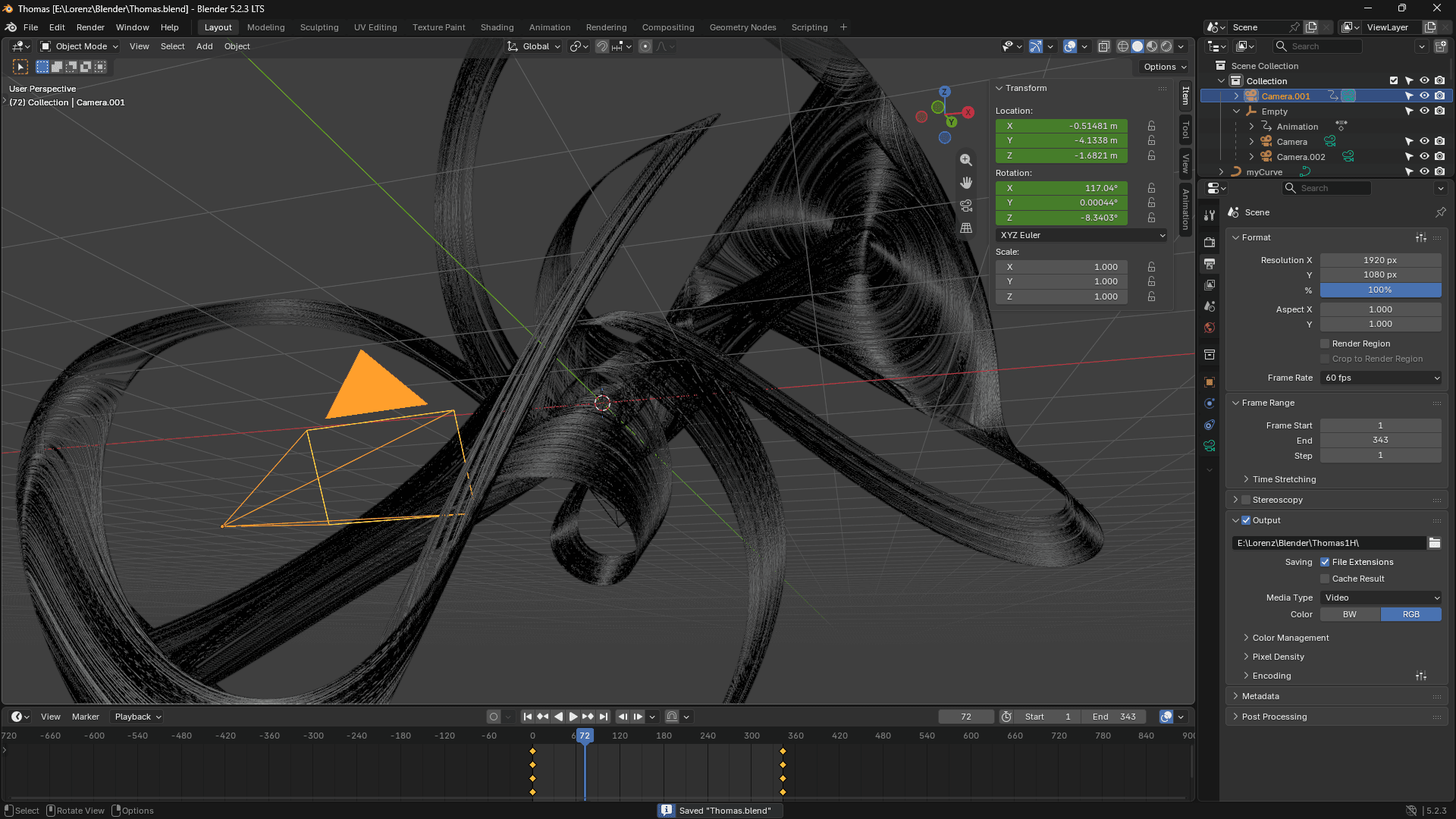
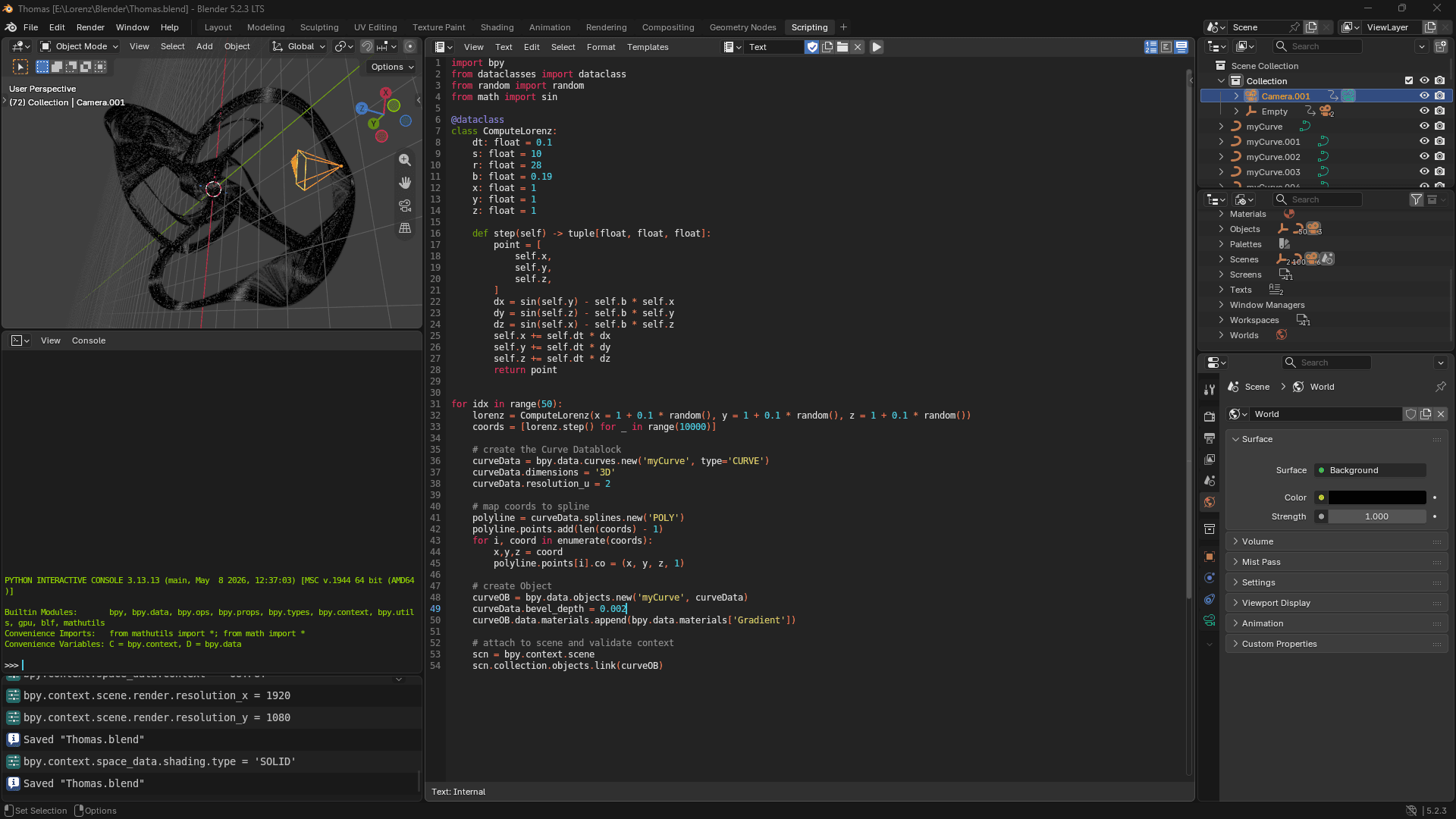
I was aware that Blender had a native curves feature, so I looked up how to generate curves with the Python API and came across a helpful post on the Blender Stack Exchange. Equipped with this knowledge I modified the code to generate multiple curves per attractor with slightly different starting points to create a branching effect (utilizing the chaotic nature of strange attractors).
When it came to rendering I used Blender's EEVEE renderer as I was looking for the simplest and fastest renderer possible. I created a material for the curves which draws an easily customizable gradient over a part of the path (depending on a keyframed value) so that the progress of the simulation can be seen over time.
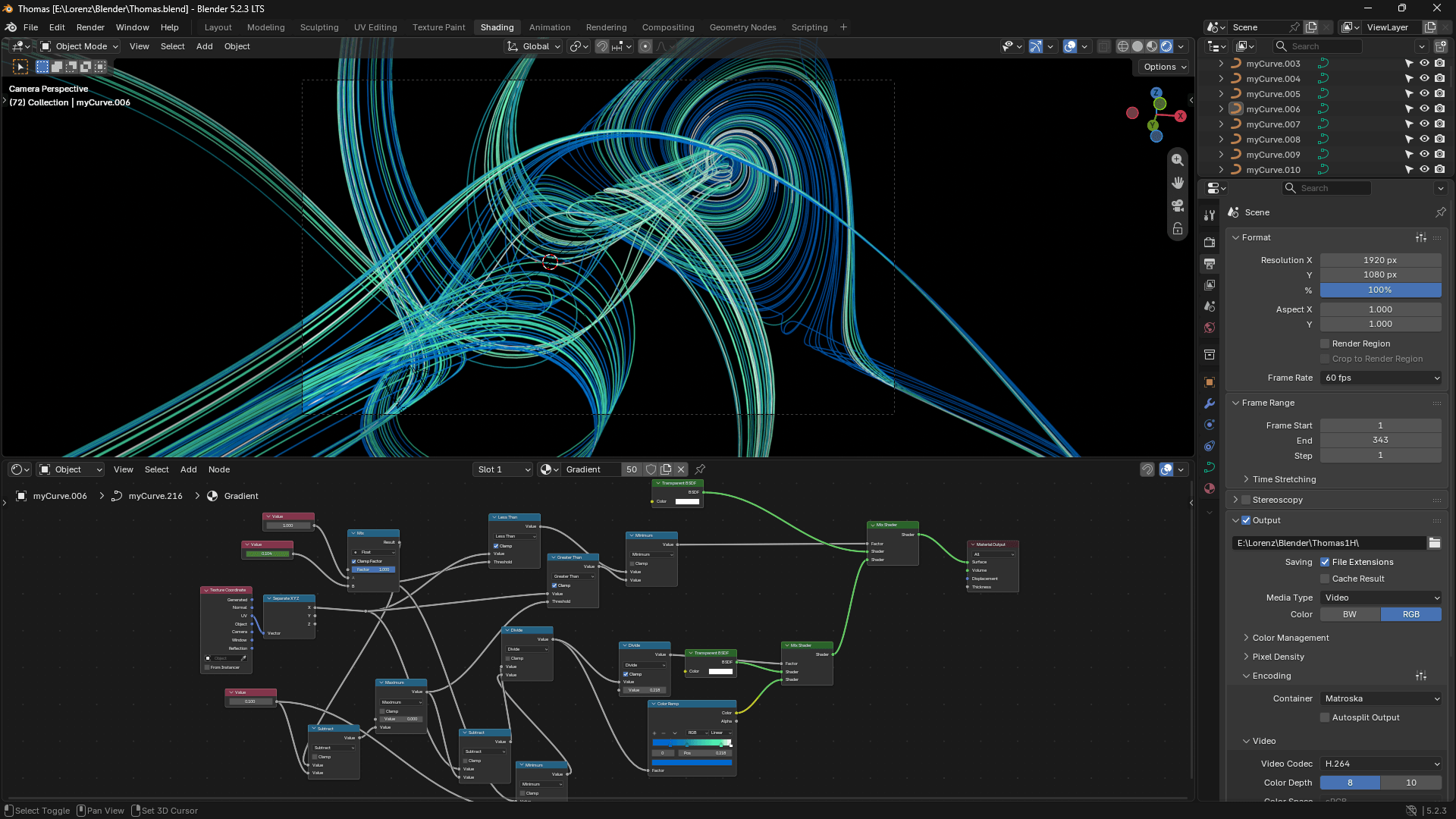
Afterwards I proceeded to create all the animations of the attractors I desired, tuning some of EEVEE's rendering settings along the way to optimize render times.
Editing
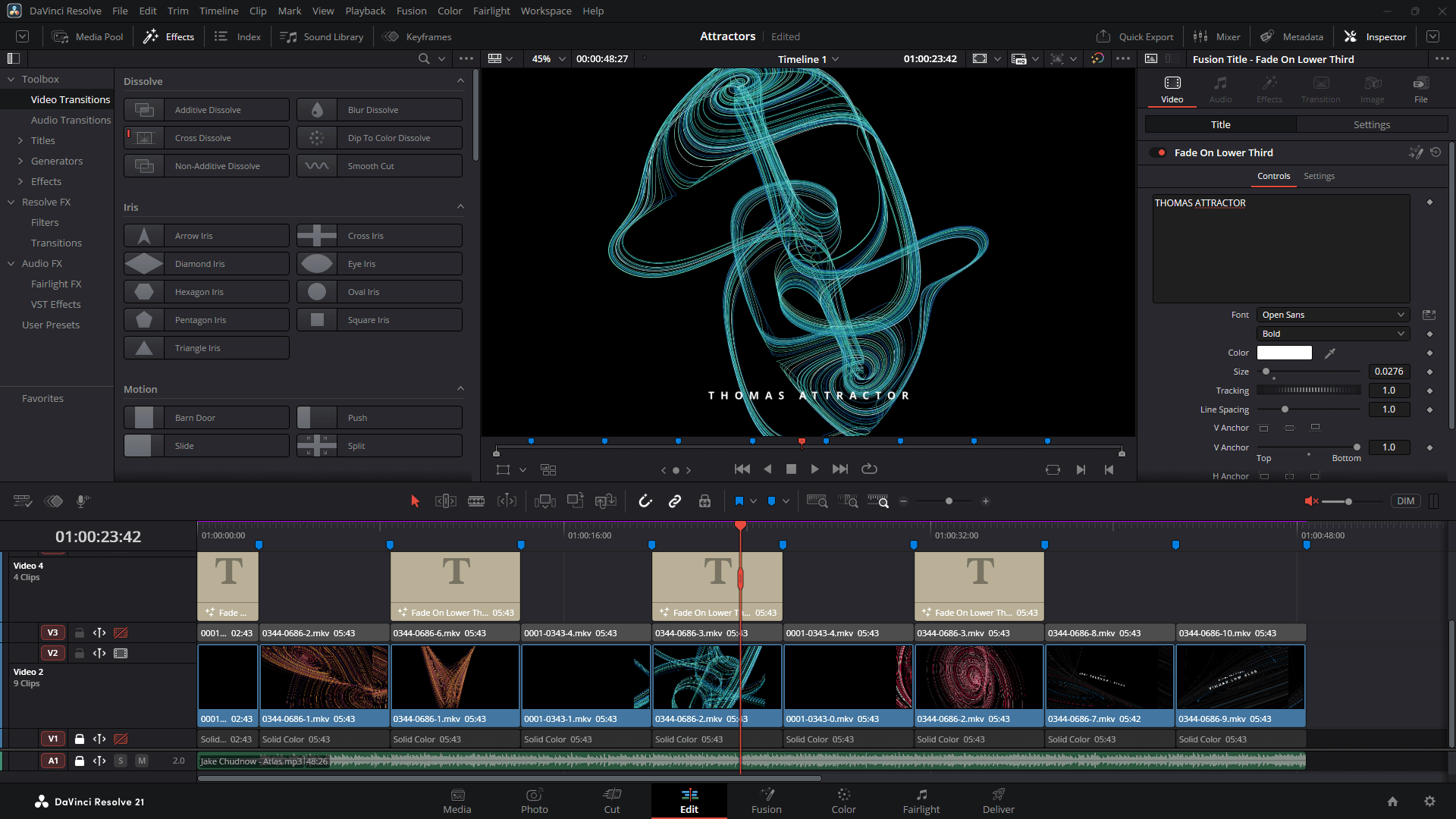
I used DaVinci Resolve (a free video editor) to produce the final video. I wanted to this video in both a horizontal and vertical format, so I created multiple video tracks to make that possible.